

Elevate Your Home Cinema: Unleash Global Content with PandaVPN for Apple TV & Android TV
 Sharon
  2026.05.30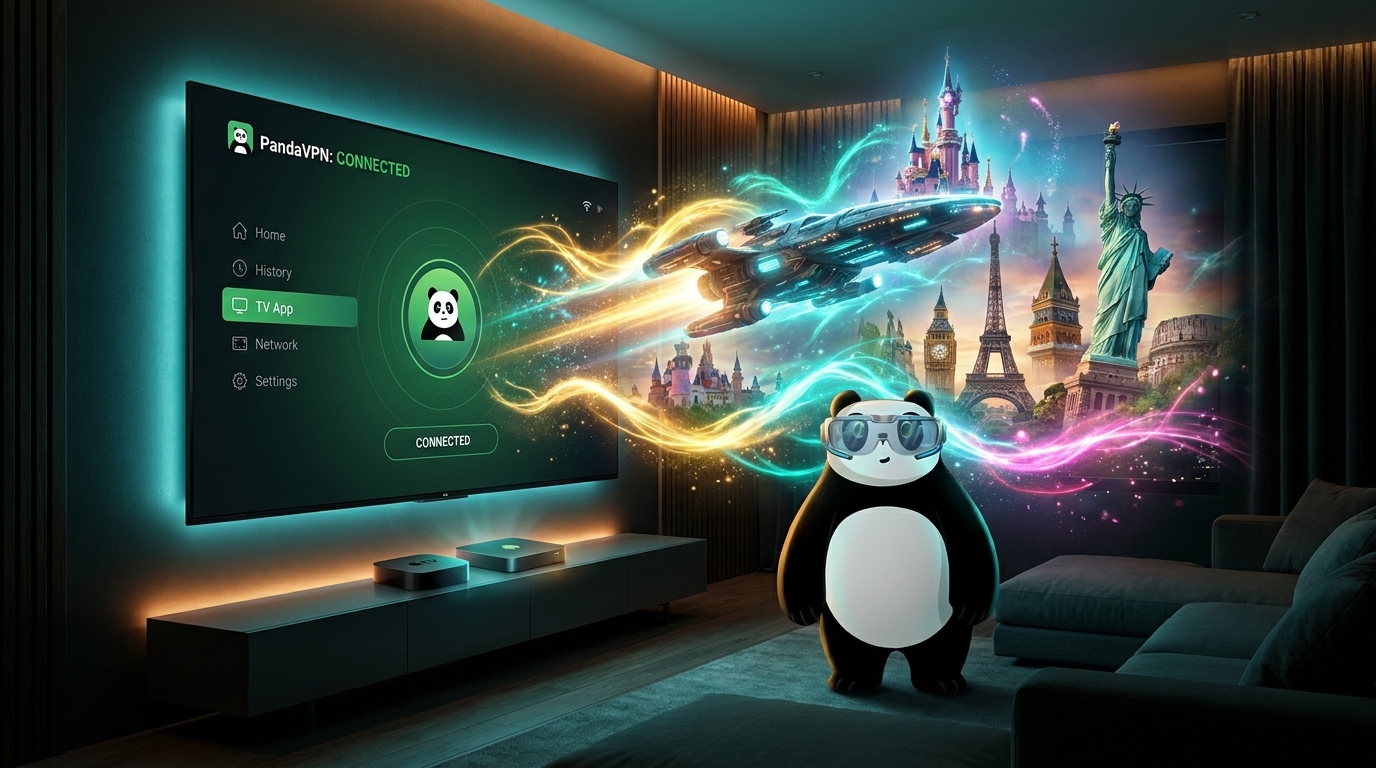
In the golden age of streaming, your big-screen TV is the centerpiece of home entertainment. However, digital borders often stand between you and the world’s best content. Whether it’s exclusive series on HBO Max, regional gems on Netflix, or live sports on international channels, PandaVPN is here to tear down those walls.
With the recent launch of the PandaVPN Apple TV App, joining our established Android TV support, we are bringing a truly borderless cinematic experience to your living room.

Why Choose PandaVPN for Your Smart TV?
Watching on a TV requires more than just “connection”—it requires stability, speed, and simplicity. PandaVPN is engineered specifically to meet these demands:
-
Ultra-Fast Proprietary Technology: Our servers utilize patented acceleration technology and high-speed IPLC nodes to ensure 4K streaming without the dreaded buffering wheel.
-
Massive Global Network: Access over 6,000 servers in 100+ countries. Whether you want to virtually reside in New York, Tokyo, or London, a low-latency connection is always just one click away.
-
Bank-Grade Security: We employ the highest level of ECC encryption and a strict No-Logs Policy, ensuring your browsing habits remain private from ISPs and third parties.
-
Intuitive UI for Remote Controls: No more struggling with awkward cursors. Our TV apps are designed for seamless navigation using standard TV remotes.
Setup Guide: From Installation to Big Screen Bliss
Setting up PandaVPN on your Smart TV is as simple as installing any other streaming app.
For Apple TV (tvOS 17 and later)
-
Download: Open the App Store on your Apple TV and search for PandaVPN.
-
Sign In: Log in with your PandaVPN account credentials.
-
Connect: Choose a server optimized for streaming (e.g., US-Netflix or Disney+) and hit connect.
-
Enjoy: Open your favorite streaming app and explore a newly expanded library.
For more details, check out our official Apple TV launch blog.
For Android TV / Google TV
-
Install: Search for “PandaVPN” in the Google Play Store on your TV.
-
Smart Connect: Use the “Smart Connect” feature to automatically find the fastest server near you, or manually select a specific region.
-
Bypass Restrictions: Once connected, your TV’s IP address is instantly masked, allowing you to bypass geo-blocking.
Need more help? See our Step-by-Step Android TV Guide.
Transform Your Living Room Today
Don’t let your premium 4K TV go to waste on limited local libraries. Join over 100,000,000 users worldwide who trust PandaVPN to protect their privacy and unlock the full potential of the internet.
Get PandaVPN Now and experience the ultimate big-screen freedom. With our 7-day money-back guarantee, the only thing you have to lose is the “Content not available in your region” message.

Related Posts

Featured Posts